STORY, STORY, STORY!!
Nothing moves forward without the story. But you now have the tools to help your student work it through with a plan and with sound technique. And if you need additional guidance, please read on.
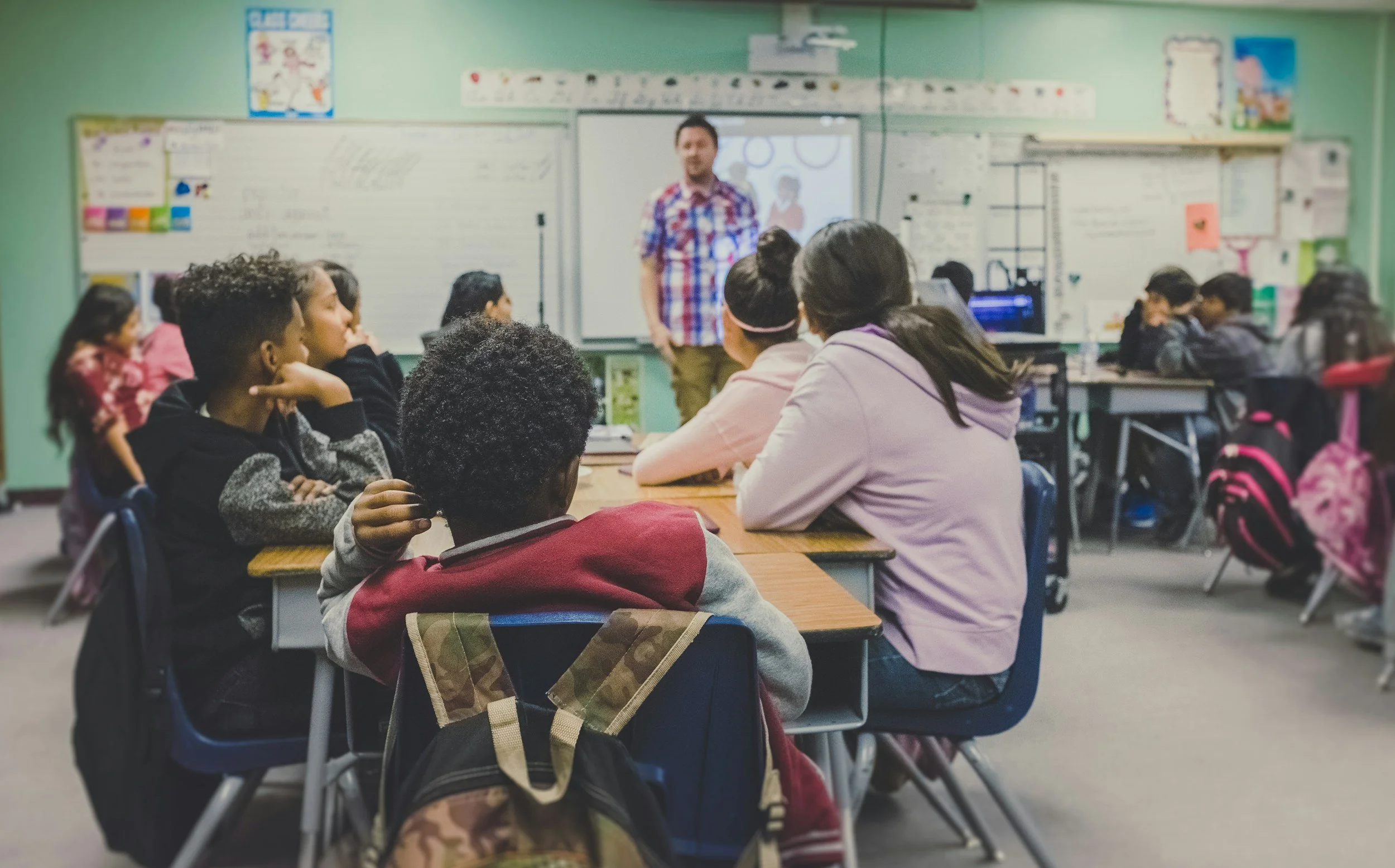
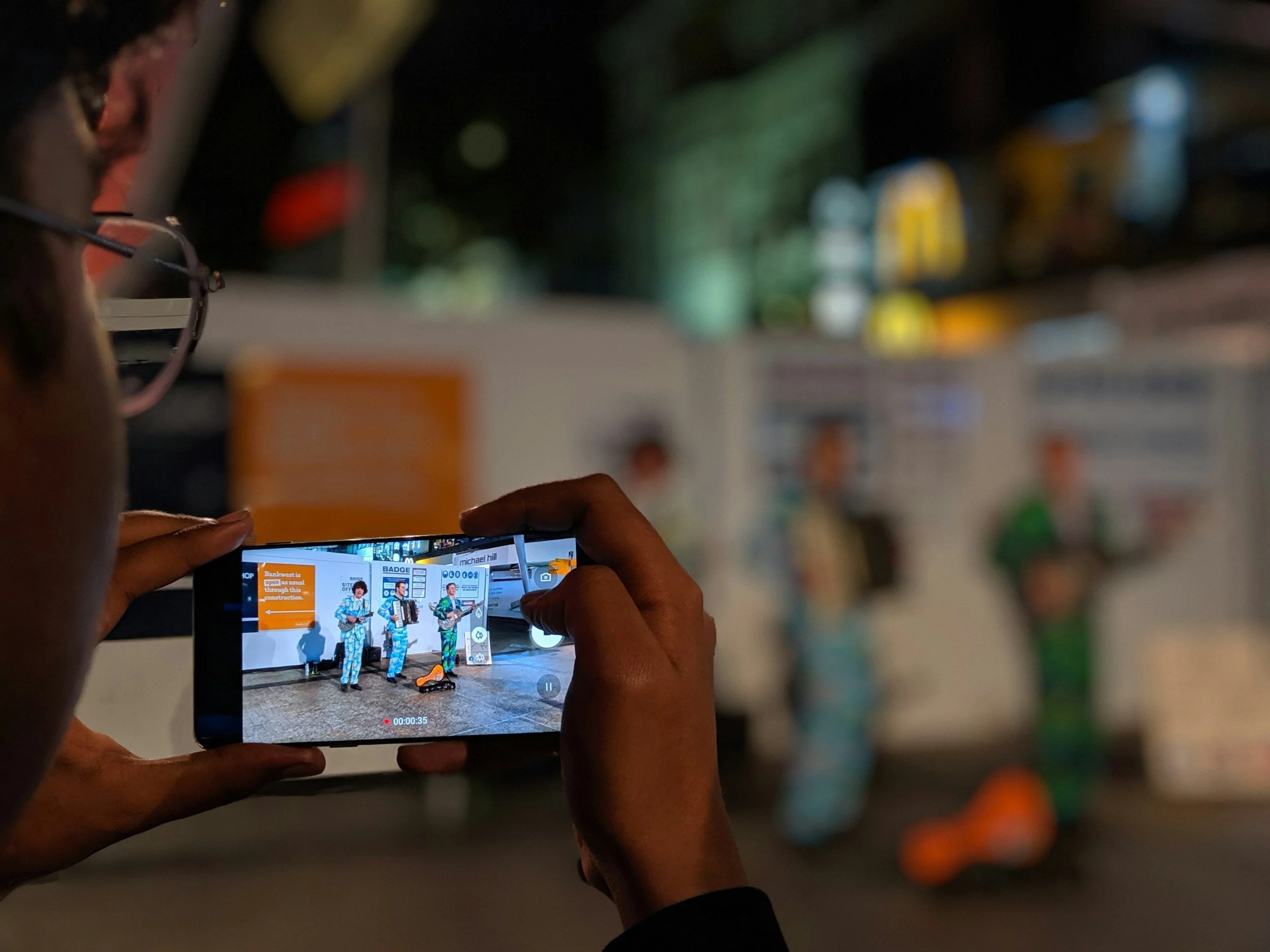
STRUCTURE: The students often like to think in terms of creating TikTok, which means they make the idea as they are creating the video. This is inefficient and often lacks any kind of coherent story. Require the students to create some kind of complete story before the first camera flips on. This can be a script, a storyboard, or a shot list.
TIMING: Give students time limits. Limits force them to be intentional about what they put in the video. It is most likely to garner the best video they can create.
MICROPHONES: Use a lavalier mic. https://tinyurl.com/yhjtpv3z ($10 normally) https://tinyurl.com/4zbxhr36 ($30 for wireless). The microphone on an iPad or any creation camera will pick up all noise, including ambient noise. If the student is filming three feet or less from the camera, it will pick up well enough. Any farther than that and their voices will blend with any other noise occurring in the range of the camera. These mics allow the student to have some distance from the camera and still be heard clearly.
LIGHTING: Lighting is key. You don’t have to have professional barn door lights or ring lights to make the lighting work. You simply need to have the students make sure to record FACING the light source. Too many students will stand with their backs to the light source (especially windows), which creates a silhouette on the faces of the recorded subject. Teach them to flip that around and face the light.
PROPS & COSTUMES: All props, wigs, hats, or otherwise, should have a purpose. Using a prop just to play around confuses the message being created. Wearing a tricorn hat during a WW2 video makes no sense.
ANGLES: Force them to use at least two different angles. If they want to shoot it in one long shot, then you might as well just have them do the skit live in class.
Don’t forget, if you are a 1:1 school and the students take their devices home, they can film some aspects there. This opens the world of backgrounds very wide. Even a timely family vacation can be incorporated.
Never, ever forget that anything that is recorded can be edited. That means clips can be rearranged, shortened, etc. Students should remember that they don’t have to record everything in the exact order the video will play out. They can record one person doing all of their part, then give the microphone to the other person to record their part, then edit them together.
Still need advice or help? We’re here for you!
We hope that this information has been helpful, but we can still assist. We would love to hear from you!